
Identity-aware access
Users prove who they are, including MFA, before they reach sensitive apps. Least privilege applies by role and context, with no flat tunnel into the whole network.
Three disciplines. One architecture. Zero gaps.
The expertise to design it. The engineers to run it.
24/7 US-based operationsArrow delivers secure remote access so people reach the apps and resources they need from anywhere, with identity-aware controls and continuously checked device posture. Remote access and VPN-style connectivity run as one SASE service.
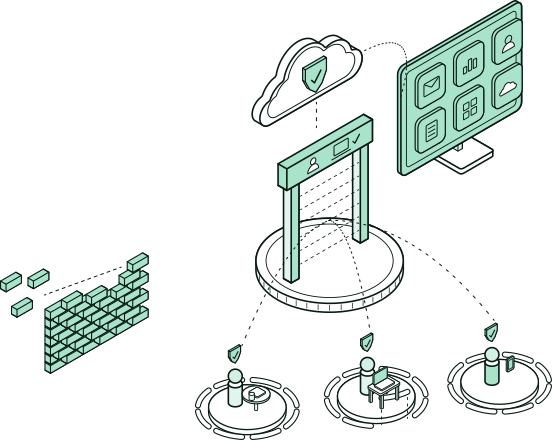


People reach the apps and resources they need from anywhere.
Identity-aware controls check device posture continuously.
Remote access and VPN run as one SASE service.
SASE remote access connects people to the apps they need from anywhere by checking identity and device posture on every connection. Reaching the network is no longer enough to get in. It replaces the traditional VPN using zero-trust principles. Arrow runs it with the SD-WAN, Internet Access, and identity controls we already operate.
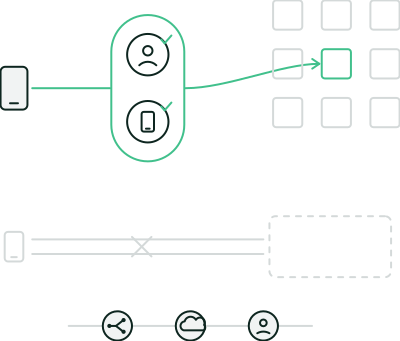
Users prove who they are, including MFA, before they reach sensitive apps. Least privilege applies by role and context, with no flat tunnel into the whole network.
Access depends on device health and policy compliance on every connection. When posture fails, access fails closed where the design requires it.
Browser, client, and VPN-style access run as one SASE service, with no separate VPN product to buy or manage.
Remote Access [SASE] extends the overlay and circuits Arrow already runs, so remote users aren’t a separate argument with a separate vendor.
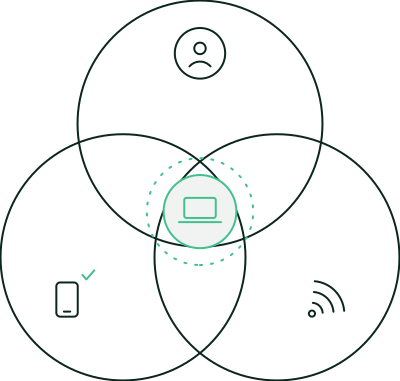
What you get
Remote and hybrid users connect through a designed access fabric. Always-on options, graceful reconnect, and split or force tunnels are matched to how your apps and sites work, and the client recognizes a trusted office network so the two don’t fight.
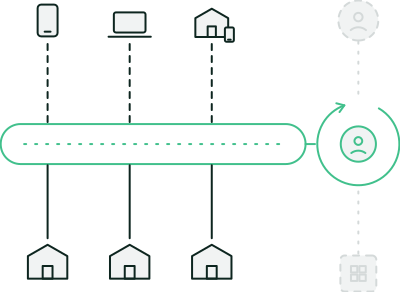
Architecture fit
It runs on the same policy plane as Secure SD-WAN and Internet Access, so remote users inherit the same accountability model as branch sites. Pair it with Identity Security and Managed Microsoft Security when those signals belong in the same response loop.

The user is the security boundary,
wherever they work.
The access method follows the use case, and remote users land on the same policy plane as your branches.
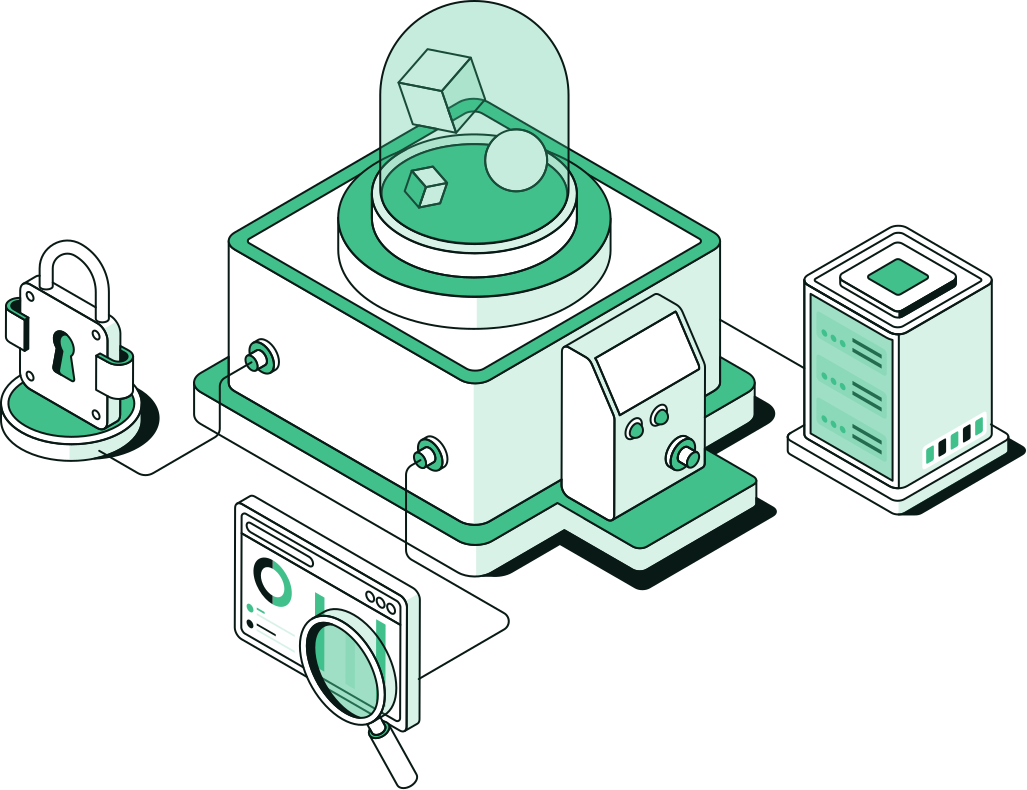


Access and security are tuned until they agree, then run by the same floor that operates your connectivity.
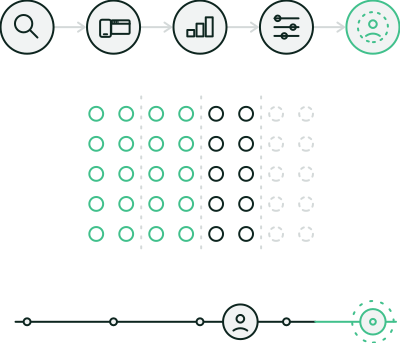

Discover
Apps, users, and trust requirements: what people actually need to reach, and from where.

Design
Client and/or browser-based access as fit, with tunnel modes and fail-closed behavior matched to the estate.

Roll out in phases
Pilot, then expand, so office networks and remote users don’t fight each other.

Tune posture and policy
A named implementation engineer stays on the work until access and security agree.

Operate after go-live
The US-based floor watches connection health, identity context, and incidents alongside the rest of the estate.
Primary, failover, temporary, and pop-up circuits from 600+ providers.
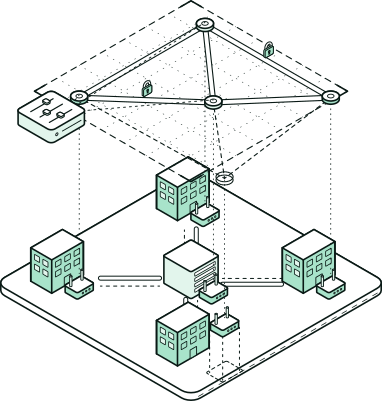
One overlay for routing, security, and app performance across every site.
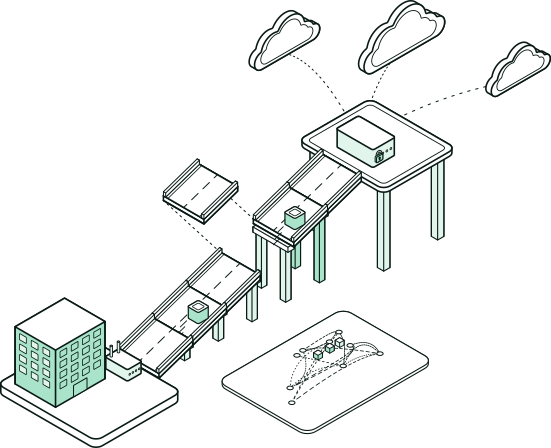
Private, adjustable paths to AWS, Azure, and Google Cloud.
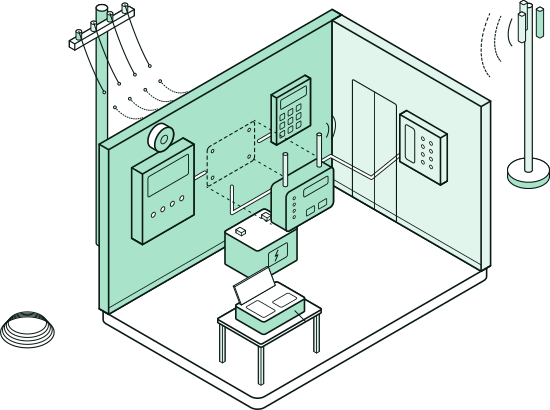
Retire copper and fax on a planned cutover schedule.
The overlay and circuits on one team, with remote users in the same model.
Yes. Browser, client, and VPN-style access all run as part of SASE remote access, so there’s no separate VPN product to buy or manage.
Not always. Browser-based access is used when a full client is the wrong tool for how people work. The access method follows the use case.
Policy follows the user and is built with the identity program already in scope. SASE and identity are one story, and the user is the boundary.
No. It is the path for people who are not on the office network, on the same policy plane as the branches when Secure SD-WAN is in scope.
Yes. Branches and remote users are designed as one policy plane so networking and security stay one conversation.
The same operations floor that runs connectivity, when you want it managed, so the path stays with a team that already knows it.