
A named team that owns the cadence
Arrow operators own the review cadence and escalate when configuration drift becomes a security or cost problem.
Three disciplines. One architecture. Zero gaps.
The expertise to design it. The engineers to run it.
24/7 US-based operationsArrow manages tenant configuration and licensing as the organization changes, so seats, apps, and access stay structured to scale cleanly.

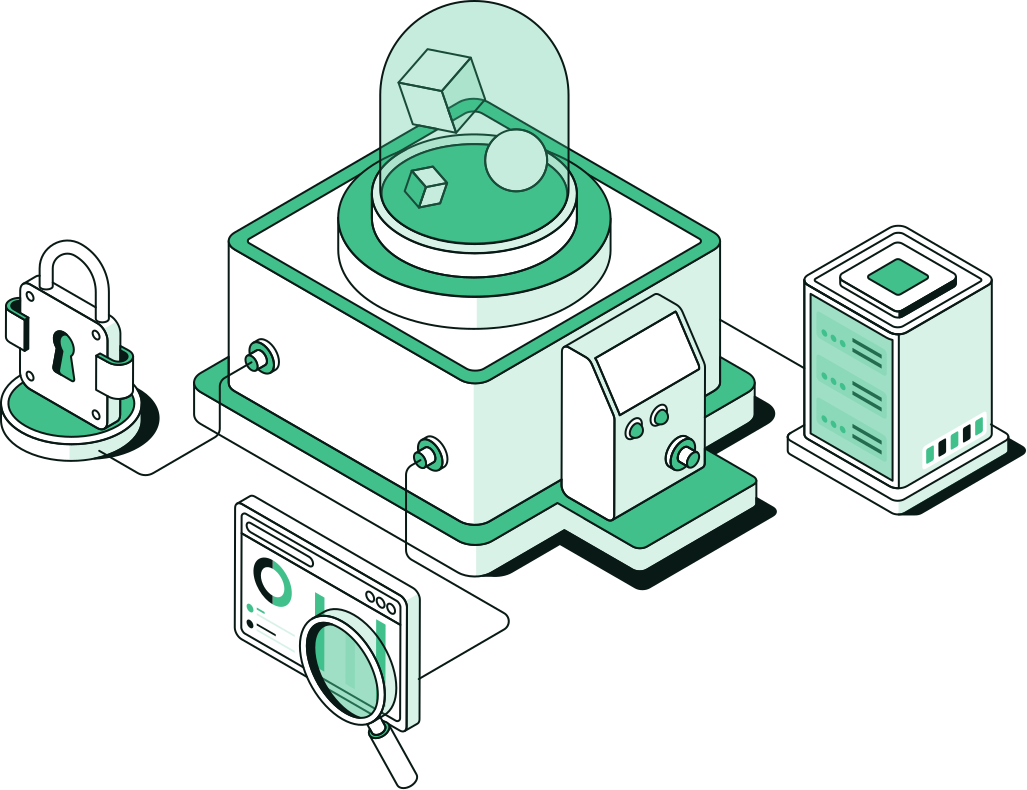
Seats linger after leavers. Apps stay assigned long after anyone uses them, and access that should have ended remains a quiet risk. Annual true-ups find the ghosts and gaps too late, often without an owner to keep the rhythm going. Tenant & Licensing Management gives that rhythm a named team, and leaves you with this.
Arrow operators own the review cadence and escalate when configuration drift becomes a security or cost problem.
Seats, apps, and access stay accurate as the organization changes, so the annual true-up has no ghosts left to find.
The work removes licenses and access that shouldn’t still be there. Any savings follow from that hygiene. We don’t promise a discount.
Hygiene runs as continuous operations, so stale accounts aren’t left for an annual cleanup.
Procurement-only license reviews miss access risk, and security-only reviews miss cost drift. Arrow keeps both in the same operating culture as Managed Microsoft 365 and managed security.
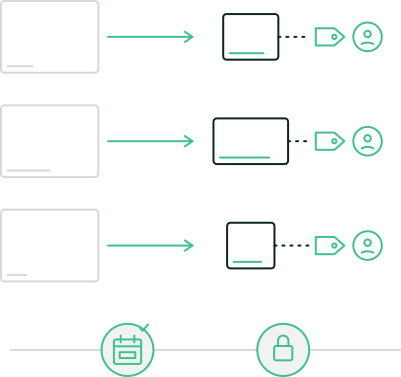
Seats, apps, and access kept current as the organization changes, all year.
Licenses match the people who actually work in the tenant, so joiners get what they need and leavers stop costing by default.
What’s assigned is what people still use, without a product-feature shopping list.
Joiners, movers, and leavers stay honest, so access matches the org chart as people change roles.
As the org grows or contracts, seats and apps stay structured cleanly, with clear visibility into what’s assigned and used.
Findings that need broad operations go to Managed Microsoft 365, control hardening to Managed Microsoft Security, and detection and response to MDR for Microsoft.
Seats and app assignments across your Microsoft estate are reviewed on a cadence, so you’re not paying for ghosts.


A baseline first, then a standing cadence set at onboarding, with corrections under change control.
Seats, apps, and access measured against how the organization actually works.

Recurring review as joiners, movers, and leavers change the estate.

Remove ghosts, fix over-assignment, and close access that should have ended, with change control.

Shared visibility for IT and finance into what’s assigned and what’s used.

When drift is a security posture problem, it goes to Managed Microsoft Security or Identity Security.

Many customers use both: Managed Microsoft 365 for ongoing operations, and Tenant & Licensing for a focused hygiene rhythm.
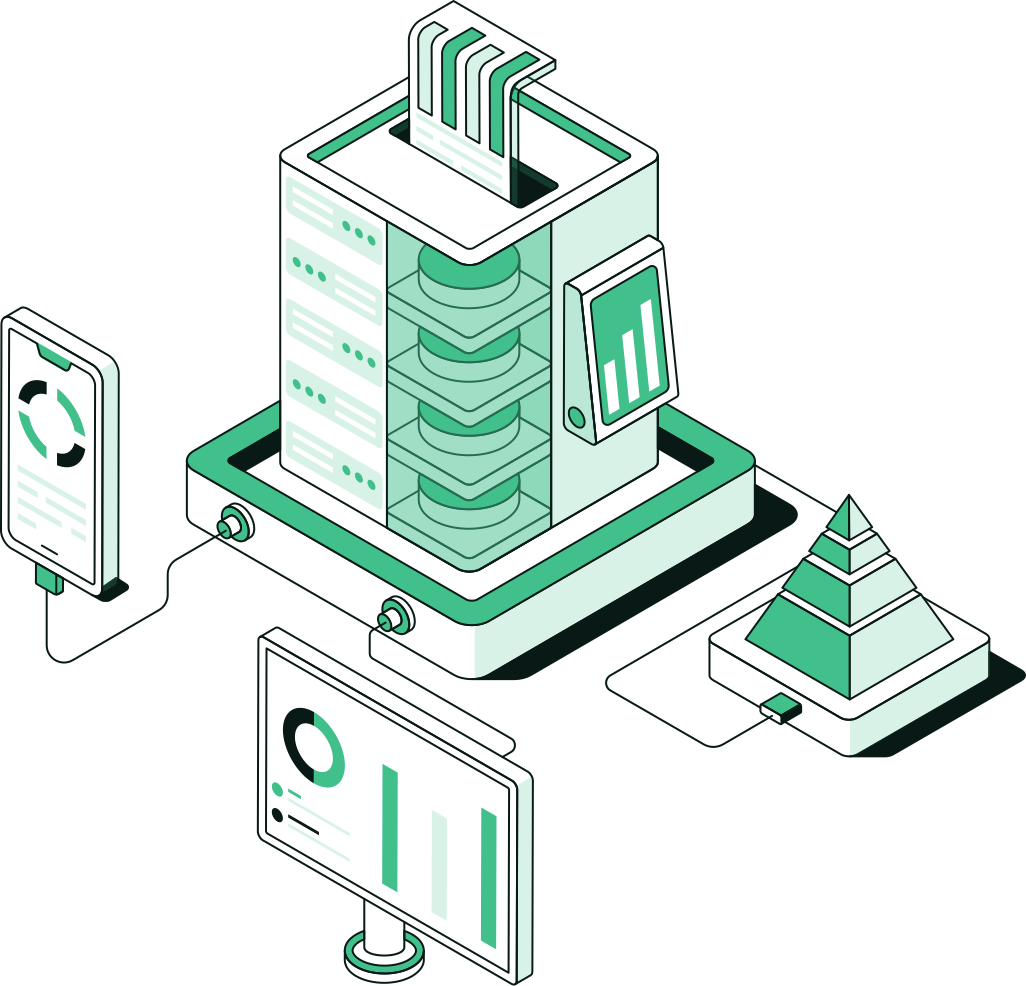
Choose it when seats, apps, and access drift faster than anyone reviews them.
A focused managed service: seats, apps, and access hygiene on a set cadence, with accurate licensing as the focus.
This page
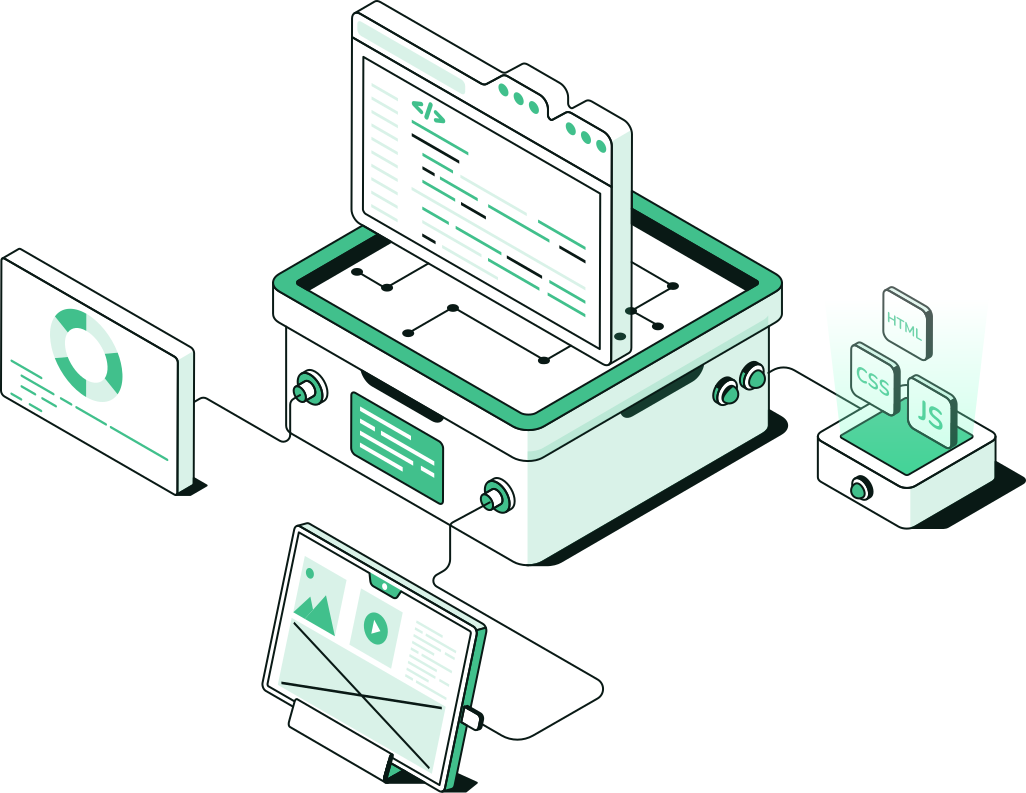
Choose it when the whole tenant needs a day-to-day operator.
The broad, operated Microsoft 365 service: health, changes, and incidents across productivity, collaboration, and identity.
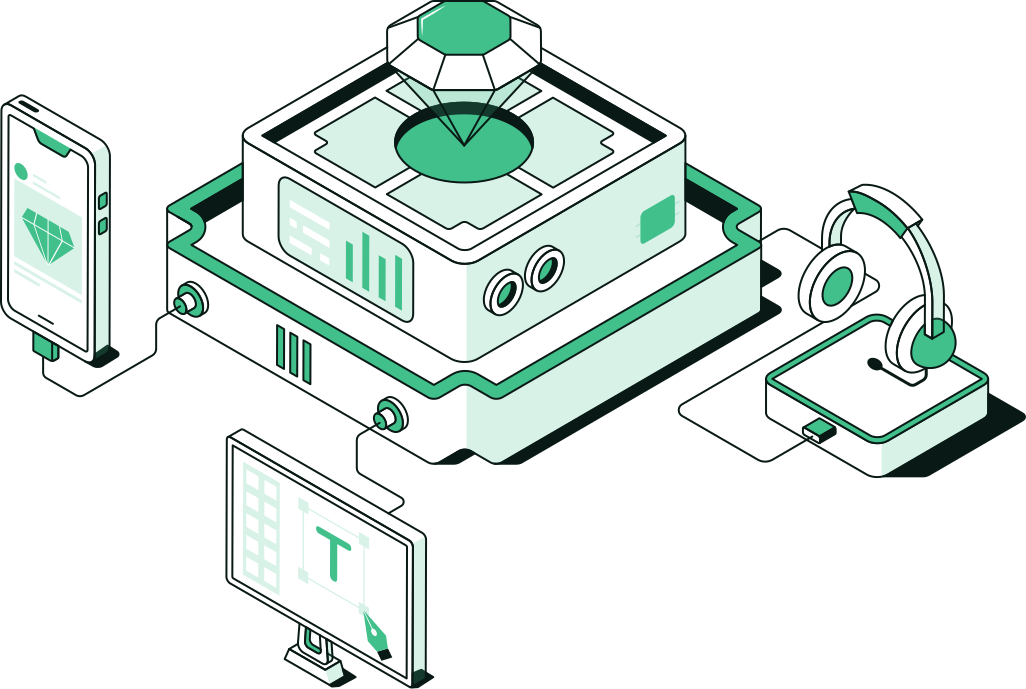
Detection and response on the Microsoft estate you already pay for.
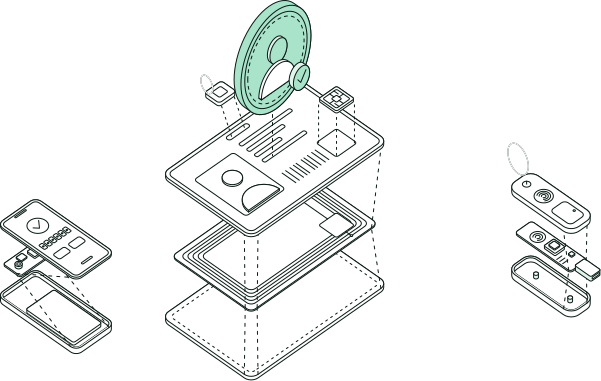
Access policy that follows the user, watched by the same floor.
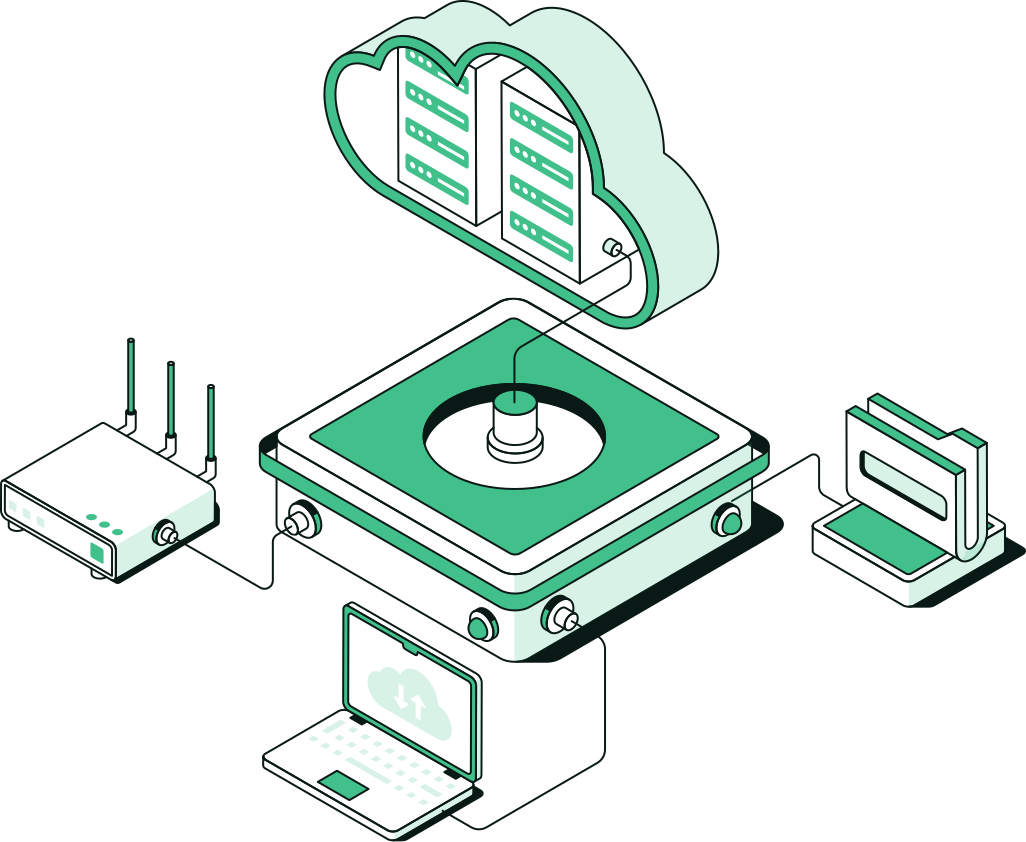
Provisioning, monitoring, cost control, and incident response.

A path from current posture to an operable control set.
Identity, endpoint, and cloud security controls operated inside the Microsoft estate you already pay for.
Seats, apps, and access, kept current as the organization changes and checked well before annual true-up. Joiners get what they need; leavers stop costing and stop retaining access by default; assigned apps match what people still use.
The work removes licenses and access that should not still be there. Savings follow from that hygiene; we don’t promise a discount. Cost honesty and access honesty stay one operations conversation.
Joiners, movers, and leavers stay on a named team so access matches the org chart as people change roles. Stale accounts are not left for an annual cleanup scramble.
No. Managed Microsoft 365 runs health, changes, and incidents across the productivity estate. Tenant & Licensing Management is the specialty hygiene cadence for seats, apps, and access. Many customers use both.
Often enough that hygiene never becomes an annual scramble. The cadence is set at onboarding: baseline, recurring review, correction with change control, and shared reporting for IT and finance.