
Named engineers on your signals
Engineers from Arrow’s US-based operations floor investigate what matters and work each alert to a decision, with tenant context.
Three disciplines. One architecture. Zero gaps.
The expertise to design it. The engineers to run it.
24/7 US-based operationsManaged detection and response on the security signals your Microsoft environment already produces. Arrow engineers investigate what matters and work each alert to a decision.

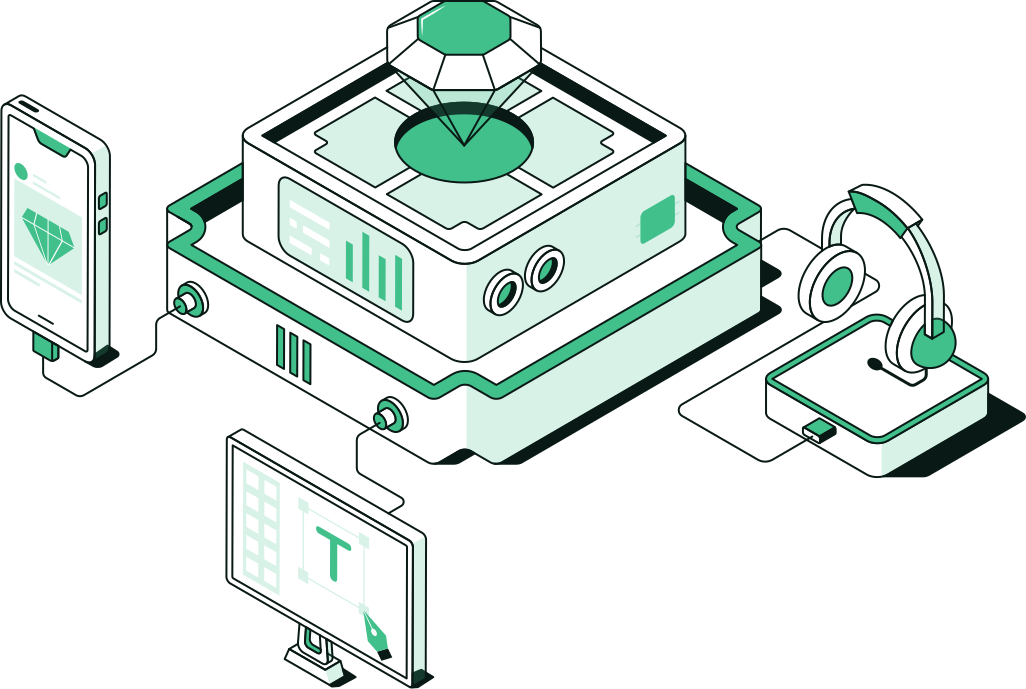
Automation helps with volume, but it can’t judge business context. A SOC meeting your tenant cold relearns your critical apps mid-incident, and a provider that forwards alerts leaves your team to chase them. XDR correlates the signals. MDR for Microsoft puts people on them, and leaves you with this.
Engineers from Arrow’s US-based operations floor investigate what matters and work each alert to a decision, with tenant context.
Each threat goes through triage, hunting, response, and recovery with named engineers, until the estate is back to a known-good state.
When something needs your team, it arrives with scope and a recommended action.
Arrow starts from the Microsoft signals you already produce, confirmed at scoping.
When Arrow also runs your SD-WAN or connectivity, response can include the network path, so containment isn’t a three-vendor negotiation mid-incident.
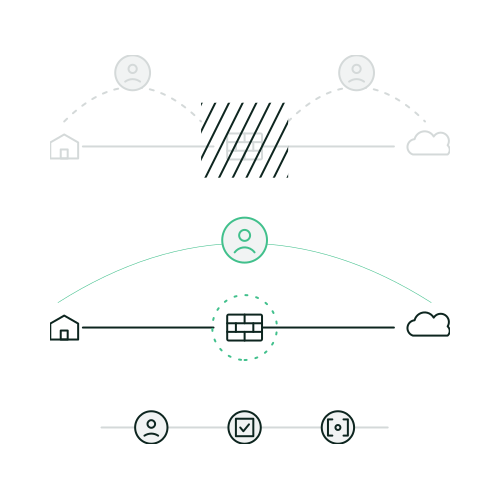
The work that turns your Microsoft security signals into decisions, from first alert to a known-good state.
Alerts ranked by business impact, so your team isn’t working the queue alone.
Analysts search for early attacker activity that default rules and signatures miss, including tradecraft beyond known malware.
Humans in the loop from first alert back to a known-good state, with automation helping on volume.
Set at onboarding: which steps Arrow takes, which your team takes, and which need your approval first.
Incident lessons become configuration fixes, often through Managed Microsoft Security or tenant and license hygiene.
Scope is confirmed before onboarding, so you know which signals, critical assets, and escalation paths are in the loop.
Signal sources, critical assets, and business context.

Escalation contacts and the response playbook, including which steps need your approval first.

Alert review with tenant context, and hunting beyond default detections.

Back to a known-good state, with network paths included when Arrow runs them.

Lessons feed Managed Microsoft Security and tenant hygiene, so fixes land in configuration.

Two separate services on the same estate. Many estates run both.

Choose it when you need people on the signals your Microsoft controls produce.
Triage, hunting, response, and recovery with named engineers: the “alerts versus outcomes” problem.
This page
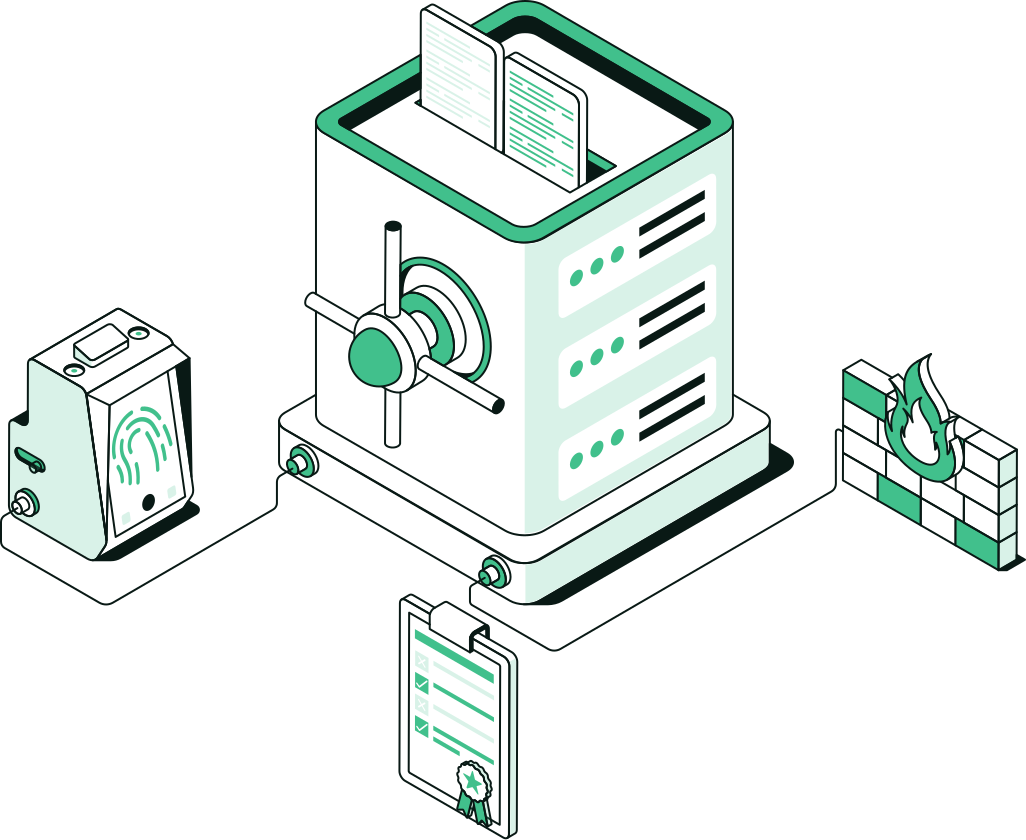
Choose it when the controls are licensed but not configured, tuned, or watched.
Configuring and operating identity, endpoint, and cloud security controls: the “licensed versus operated” problem.

Ongoing operations across Microsoft 365 on a named team.
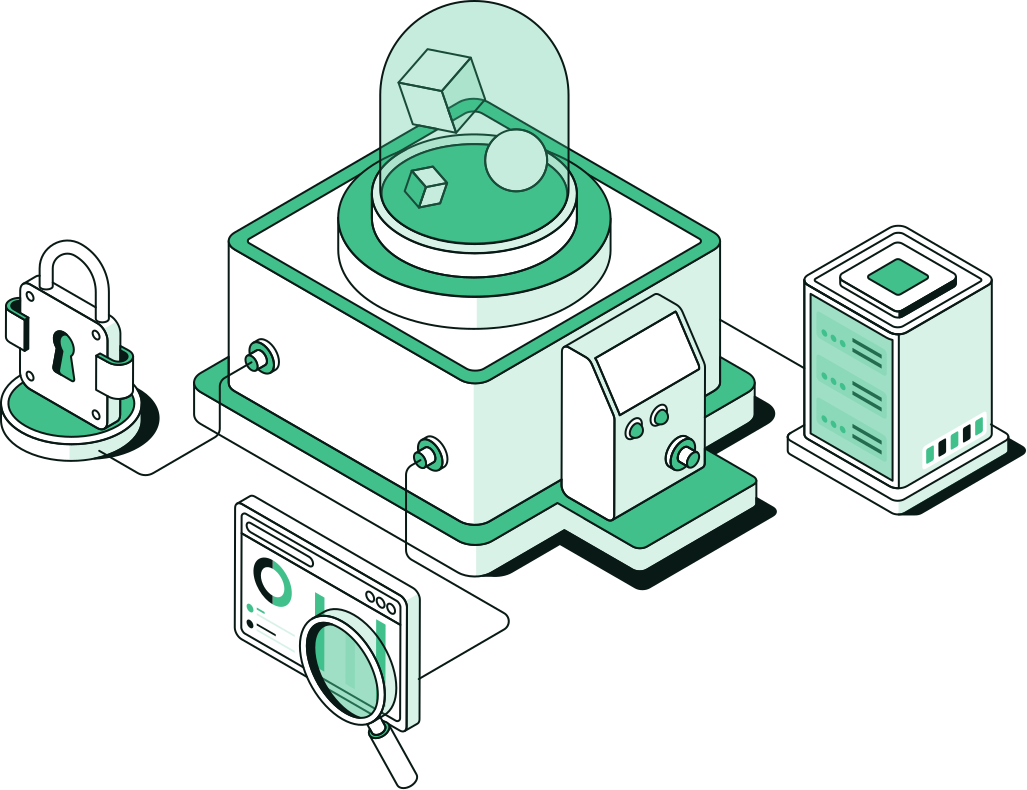
Keep the tenant clean and the licenses honest.
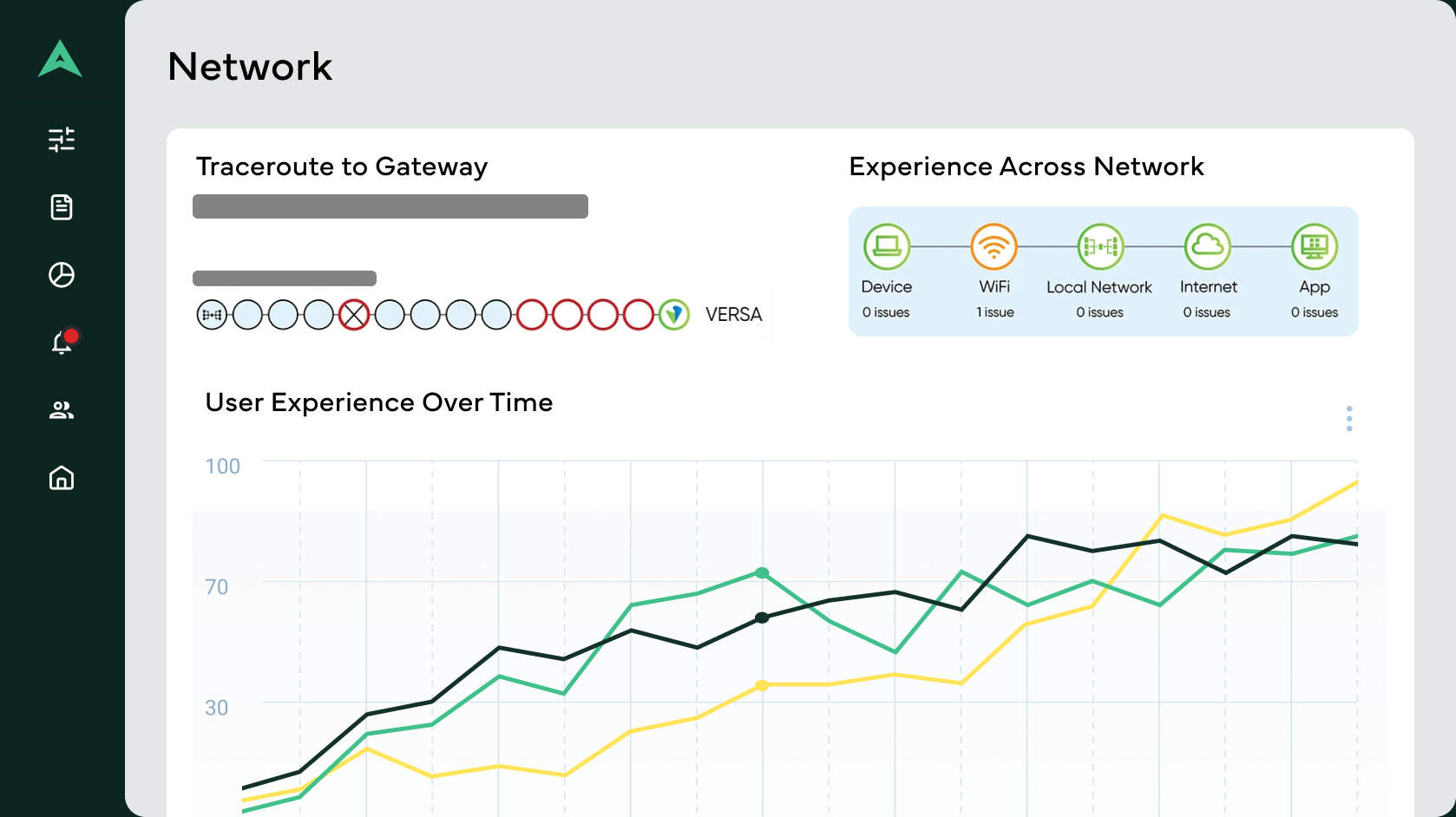
Policy, circuits, and incident response on one team.
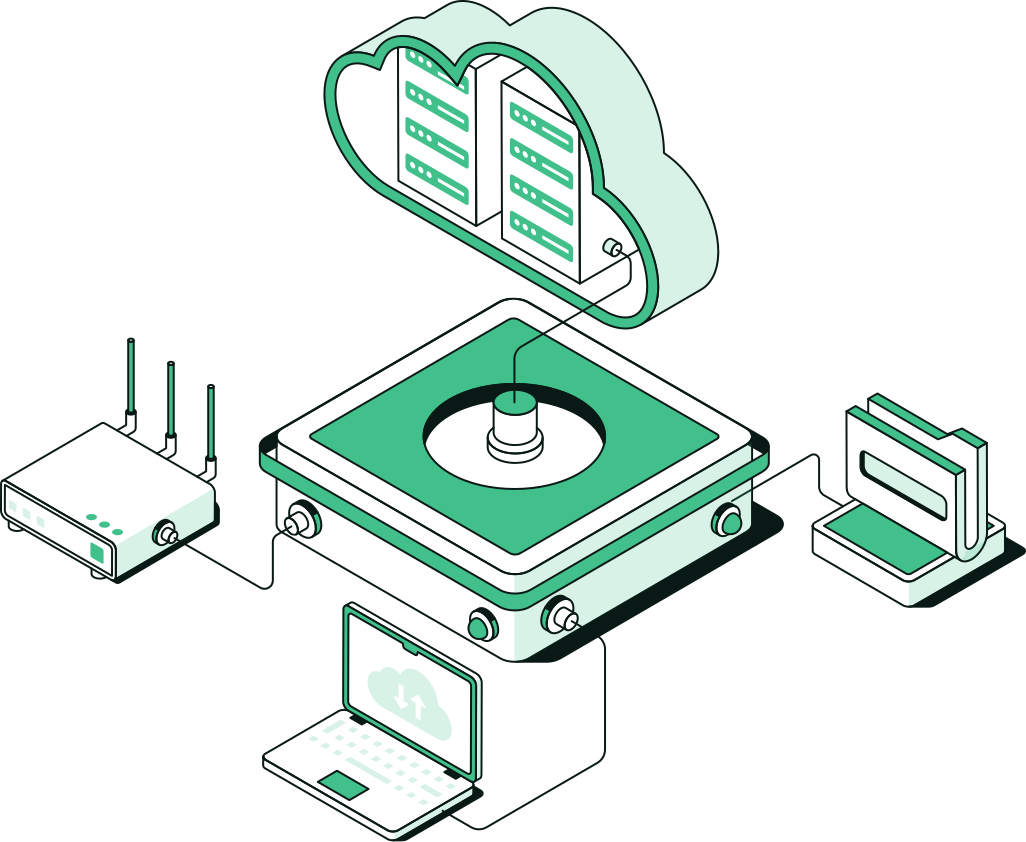
Provisioning, monitoring, cost control, and incident response.
Detection and response across endpoint, identity, messaging, and network when the estate is broader than Microsoft.
The security signals your Microsoft environment already produces, confirmed at scoping. Arrow adds expert analysis and response on top of those signals.
Managed Microsoft Security keeps your identity, endpoint, and cloud security controls configured and running. MDR for Microsoft watches what those controls report and works each threat through triage, hunting, response, and recovery with named engineers. They’re separate services, and many estates run both.
No. Automation helps with volume. Named engineers investigate and handle what automation shouldn’t close alone, with tenant context, and with the network path included when Arrow also runs your connectivity or Secure SD-WAN.
Not for the Microsoft estate this service covers. Scope is confirmed before onboarding so you know what signals, critical assets, and escalation paths are in the loop. Multi-surface work beyond Microsoft signals lives on Threat Management.
It means analysts actively search for attacker activity that default rules and signatures don’t flag, such as early tradecraft and behavior beyond known malware. What they find feeds fixes back into your security configuration.
When Arrow also runs connectivity or Secure SD-WAN, response paths can include the network, so one team handles containment mid-incident. Pure MDR that cannot see routing context often stops at an alert your team still has to chase across providers.
That’s agreed before go-live. The response playbook set at onboarding defines which steps Arrow takes, which your team takes, and which need your approval first.