
A named team that owns your tenant
Microsoft supports the platform. Arrow owns your tenant: its configuration, changes, and incidents, from the same named team every time.
Three disciplines. One architecture. Zero gaps.
The expertise to design it. The engineers to run it.
24/7 US-based operationsArrow runs configuration, health, changes, and incident response across productivity, collaboration, and identity. Broad Microsoft 365 coverage from a named team, fully managed or co-managed.

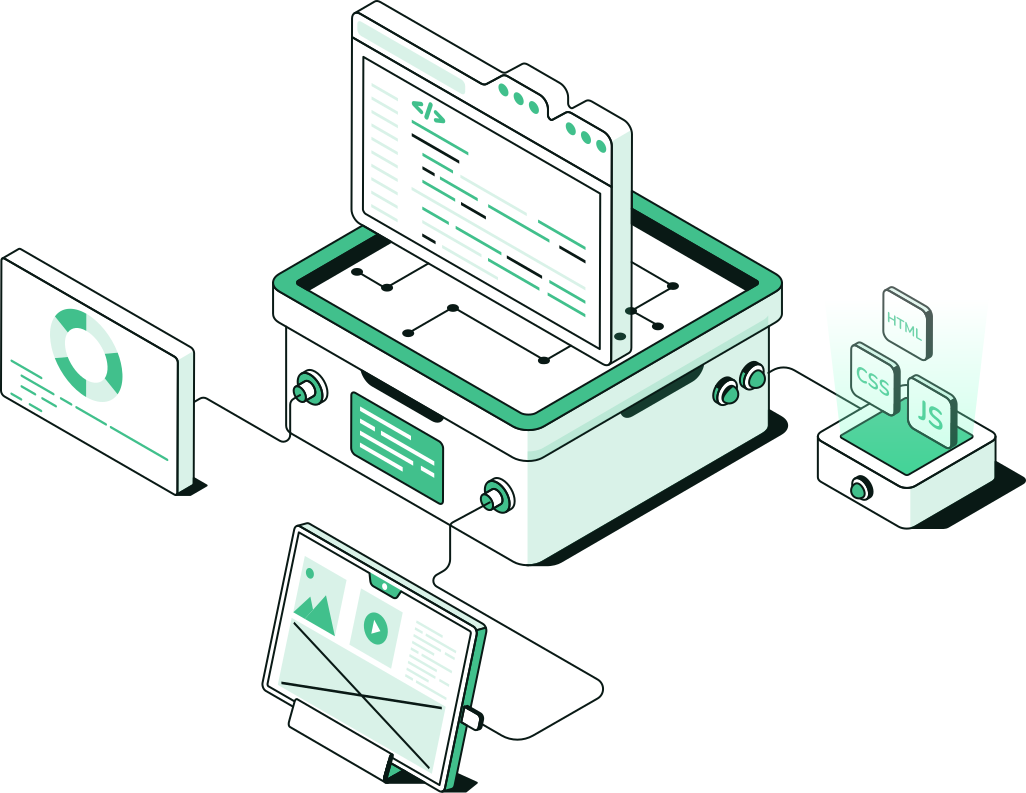
The project team leaves at cutover, and the tenant falls to whoever is left. Admin tickets crowd out projects, license sprawl grows, and security controls get bought and never configured. Managed Microsoft 365 puts a named team on the day-to-day operation of your tenant, and leaves you with this.
Microsoft supports the platform. Arrow owns your tenant: its configuration, changes, and incidents, from the same named team every time.
The same operators run migration, ongoing operations, and the related security services, so identity, collaboration, and security sit with one provider.
The team that already runs the tenant handles incidents, so your staff stop translating between vendors after hours.
Arrow can run the tenant end to end or share it with your team. Who changes what, who approves, and who gets called is written down at onboarding.
Microsoft changes the platform constantly. Arrow evaluates those changes and rolls them out at a pace your operations can absorb.
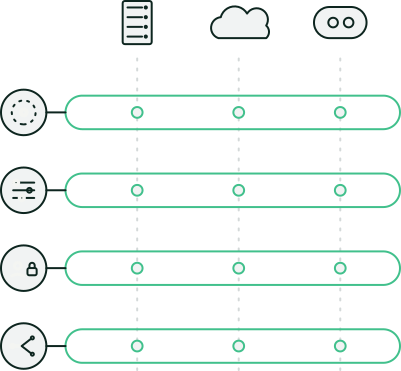
Broad Microsoft 365, described in plain categories.
Monitoring, troubleshooting, and escalation to Microsoft when needed, with Arrow staying accountable.
Day-to-day administration, including sharing and external access settings.
Accounts, groups, MFA, and access policies, with deeper lifecycle work going to identity lifecycle and access governance.
Controls that protect a dispersed workforce, kept configured, with deep control operation running through Managed Microsoft Security.
A plan for deletion, corruption, and ransomware impact, so recovery isn’t improvised.
Coverage is confirmed at onboarding and run as an operated service.


Managed Microsoft 365 runs the productivity estate. Three related services cover security controls, detection and response, and license hygiene.
| Service | What it owns |
|---|---|
| Managed Microsoft 365 | Health, change, and incidents across productivity, collaboration, and identity administration |
| Managed Microsoft Security | Operating identity, endpoint, and cloud security controls |
| MDR for Microsoft | Detection and response on Microsoft signals |
| Tenant & Licensing Management | Seat, app, and access hygiene as the org changes |
Arrow takes stock of how the tenant is used, sets up monitoring and change paths, and puts named operators on incidents.
How users work, what’s critical, and where tickets go today.

Health monitoring, troubleshooting paths, and escalation to Microsoft.

Configuration changes and rollouts, approved the way you agreed at onboarding.

Joiner-mover-leaver hygiene, with a deeper cadence through Tenant & Licensing Management.

Posture fixes stay in the ops loop. Deep control work goes to Managed Microsoft Security.

Detection and response on the Microsoft estate you already pay for.
Keep the tenant clean and the licenses honest.
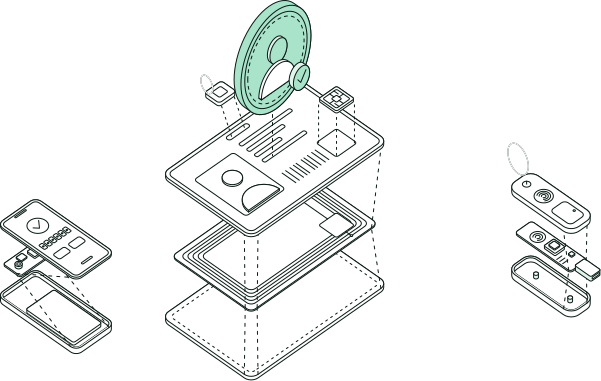
Access policy that follows the user, watched by the same floor.
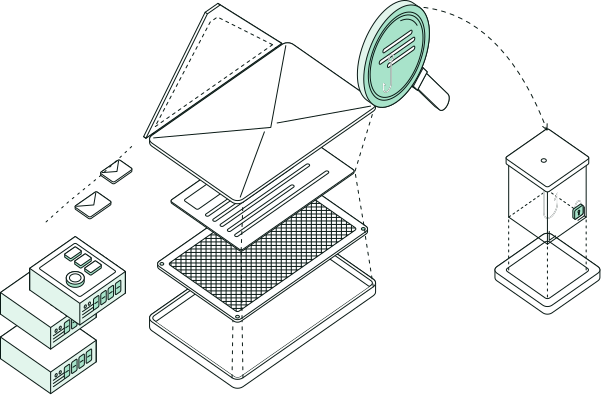
Layered email defense, tuned continuously as threats change.
Identity, endpoint, and cloud security controls operated inside the Microsoft estate you already pay for.
Configuration, health, changes, troubleshooting, and incident response across productivity, collaboration, and identity, with Arrow accountable and escalating to Microsoft when needed.
Broad Microsoft 365 across productivity, collaboration, and identity, confirmed at onboarding and run as an operated service. Security control operation and MDR are separate services.
Yes. Co-managed scope is set at onboarding so both sides know who changes what. Arrow does not require you to hand over the whole department to get an operable tenant.
The named team that already runs the tenant. The same operators who own health and change pick up incidents, so your staff aren’t translating between vendors after hours.
It’s usually scoped alongside it. Seat, app, and access hygiene is Tenant & Licensing Management, and Managed Microsoft 365 covers broad day-to-day operations. Many customers run both.
Security configuration is part of ongoing operations. Operating security controls in depth is Managed Microsoft Security, and detection and response is MDR for Microsoft.
Microsoft supports the platform. Arrow owns your tenant: its configuration, changes, and incidents, escalating to Microsoft when the problem is on the platform side.